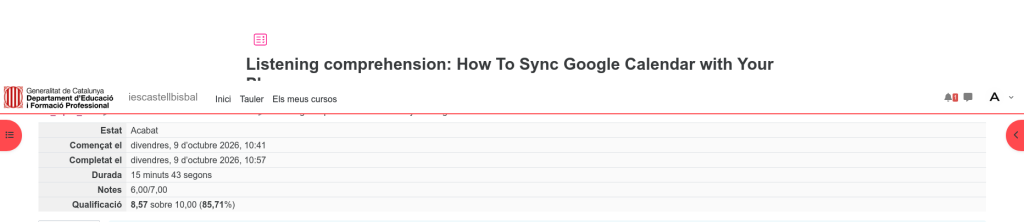
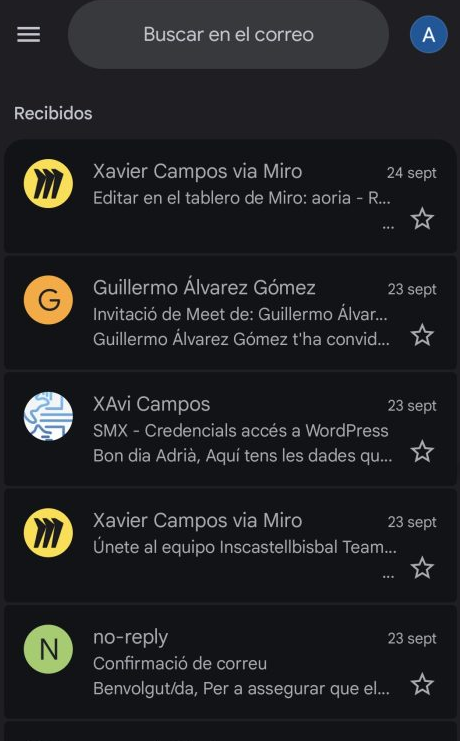
I have configured my corporate email and chat on my mobile phone to access them quickly and conveniently.
I logged in with the corporate account and enabled application synchronization.
This way, I can receive notifications and check messages in real time.
Finally, I verified that both the email and chat were working properly on the device.
What is it used for?
This feature allows you to sync your corporate email and chat on your mobile device for quick, seamless access. By enabling application synchronization, you can receive instant notifications and stay updated on messages in real time.
It ensures you remain connected and able to manage workplace communications efficiently on the go. Finally, it helps verify that all communication channels are functioning correctly on your phone.